Trading Server Config
Source: Notion | Last edited: 2025-12-16 | ID: c16e0408-26b...
ssh -i ~/.ssh/el-prod-trading-tokyo.cer ubuntu@trading.eonlabs.com
安装docker
安装git
下载repo
Section titled “下载repo”sudo yum install git -y
# 设置git的credential cache时间git config --global credential.helper 'cache --timeout=60'
cd ~/
mkdir Repositories && cd Repositories/
git clone https://github.com/Eon-Labs/trade-execution.git
添加 newrelic.js 文件vi ~/Repositories/trade-execution/newrelic.js创建dockerContainer
Section titled “创建dockerContainer”containerName=tradeServer && cd ~/Repositories/trade-execution && sudo docker container run -it --name $containerName -v $(pwd)/../trade-execution:/trade-execution -p 80:3000 ubuntu:24.04在docker container里设置运行环境
Section titled “在docker container里设置运行环境”# 安装 typescript, ts-node, etc# 运行起 app.tsNew Relic + Tmux Logging
Section titled “New Relic + Tmux Logging”这部分分两步:
第一步 - 让tmux把logs保存下来
第二步 - 让newrelic 自动forward这些保存下来的文件
让tmux把logs保存下来:
Section titled “让tmux把logs保存下来:”Clone tmux logging plugin 到project
Section titled “Clone tmux logging plugin 到project”git clone https://github.com/tmux-plugins/tmux-logging ~/Repositories/trade-execution/tmux-logging
在trade-execution下放一个 newrelic.js文件
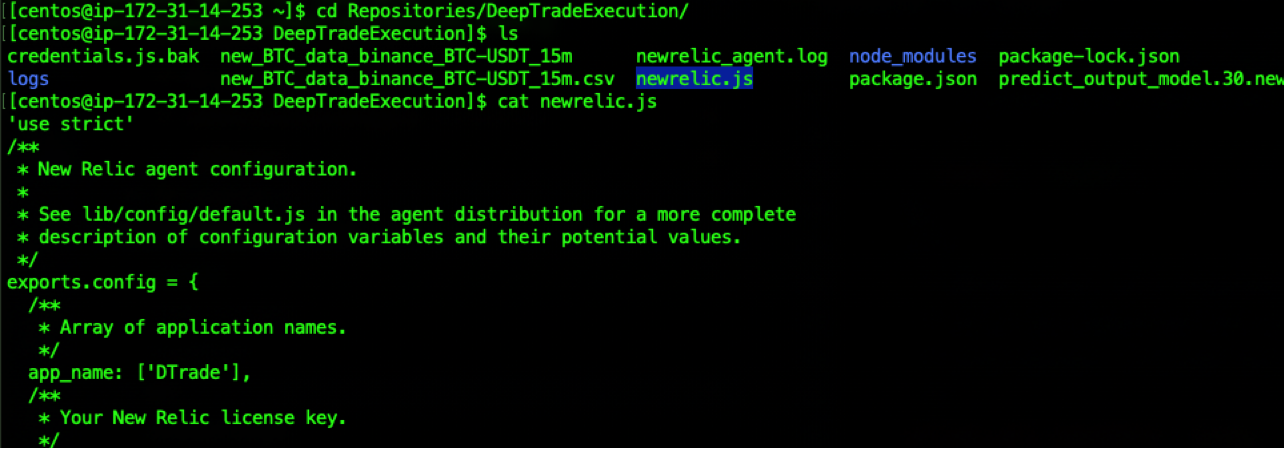
设置:
Attach container后
修改 ~/.tmux.conf 添加如下几行:
vi ~/.tmux.conf
set -g history-limit 50000set -g @logging-path "/trade-execution/logs"run-shell /trade-execution/tmux-logging/logging.tmux
使生效(需要至少有一个tmux session才能运行)
tmux source-file ~/.tmux.conf让newrelic 自动forward这些保存下来的文件
Section titled “让newrelic 自动forward这些保存下来的文件”查看newrelic是否运行了
sudo systemctl status newrelic-infra
如果没有,则安装newrelic Agent(可能不需要)
Section titled “如果没有,则安装newrelic Agent(可能不需要)”https://one.newrelic.com/-/0VKQXomPaja
选择ubuntu 24,然后运行对应的代码
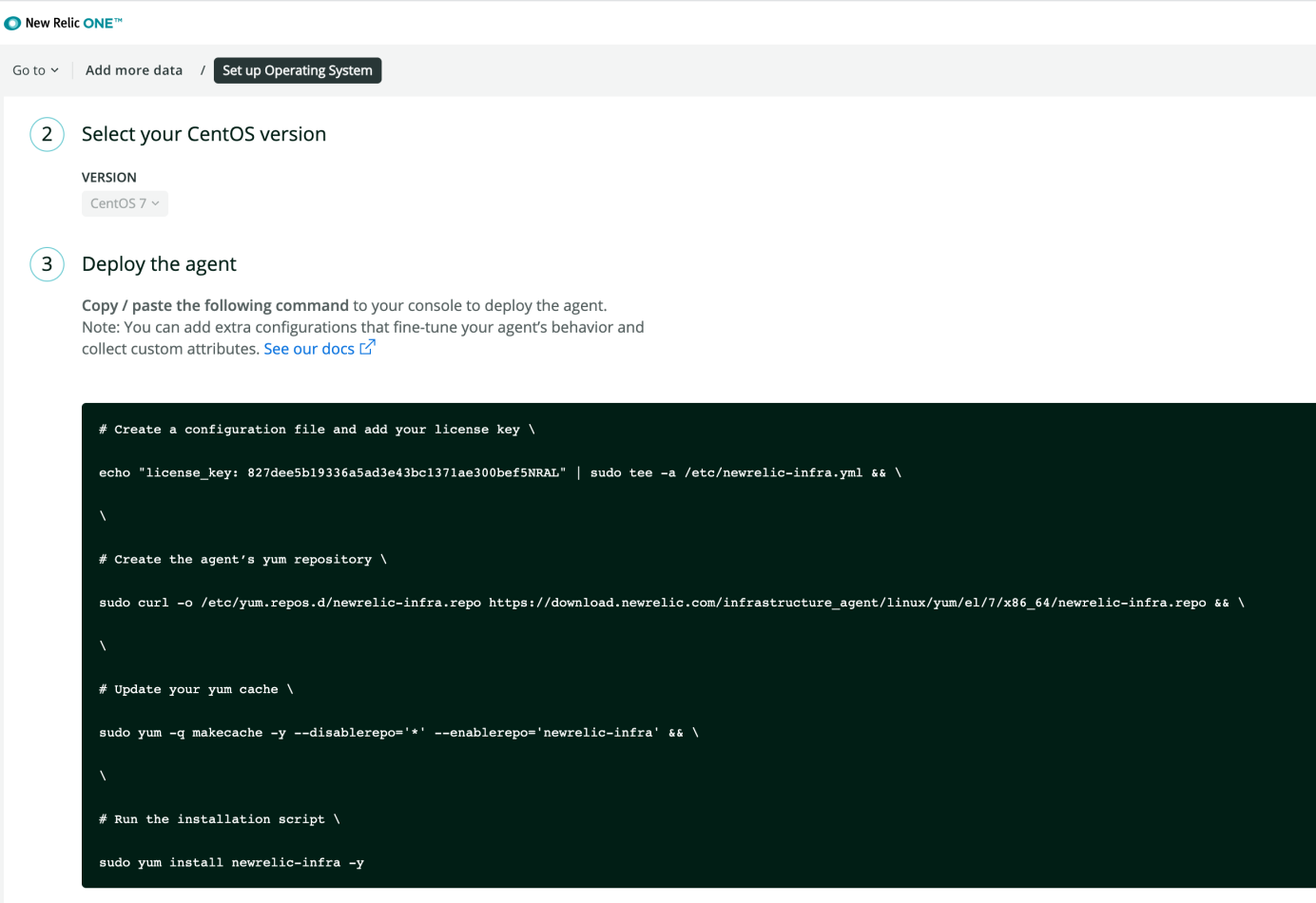
设置log forwarding
Section titled “设置log forwarding”cd /etc/newrelic-infra/logging.d/sudo vi trading-logs.ymllogs: - name: "trading-logs" file: /home/ubuntu/Repositories/trade-executionre/logs/*.log # pattern: Error # Regular expression to filter log entries结果:
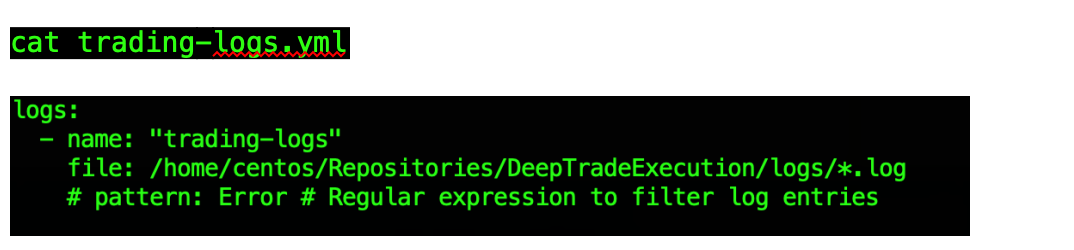
然后 Restart newrelic agent
sudo systemctl restart newrelic-infrasudo systemctl status newrelic-infra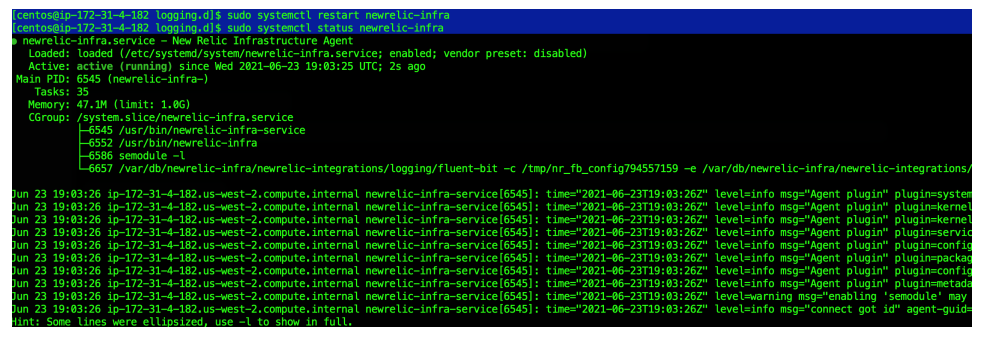
至此,Trading Server设置完成