How to configure Slack + Lark Zap
Source: Notion | Last edited: 2022-11-01 | ID: b8e4718b-5a8...
Background
Section titled “Background”As of today, we are using the AWS Incident Manager to container on-call messages. On-call messages are configured to be sent to Slack channels through AWS Chatbot.
Now that we move the communication to Lark, we need to integrate AWS Incident Manager with Lark groups, and Zapier is the solution we chose to achieve it.
Getting Started
Section titled “Getting Started”- Create a new Zap from Zapier
- Setup trigger
- Setup a filter between Slack and Lark
- Configure Lark message title and content
- Final result:
- Publish
Common Errors:
Section titled “Common Errors:”Expired Lark account
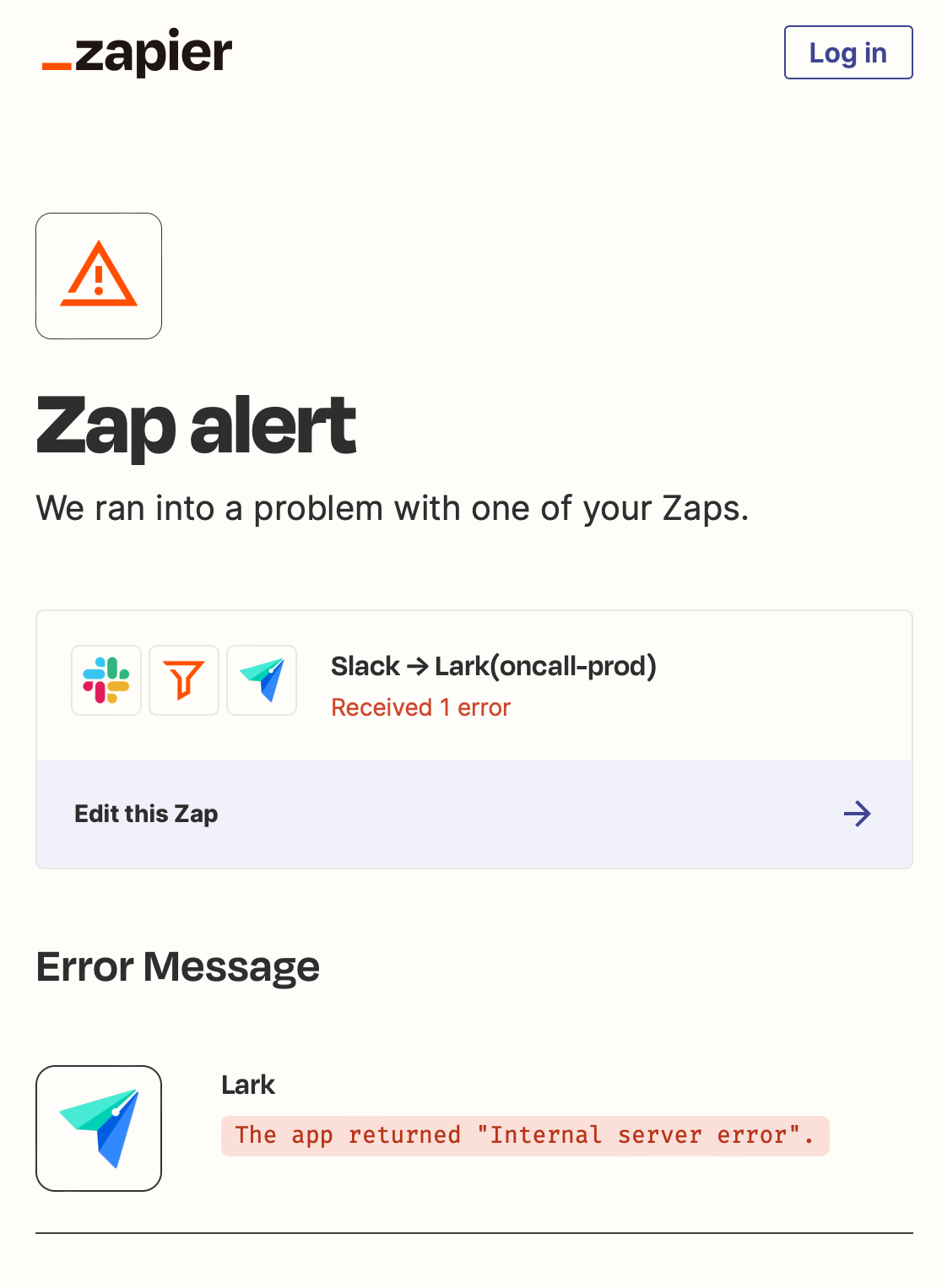
Section titled “Expired Lark account”The account token Zapier used to connect to Lark can expire after a while. However, it will not return a meaningful error message. See the error below.
Solution:
Reconnect the Lark account
The log-in email of the Service Account is: serviceaccount@eonlabs.com
If you don’t receive the email auth code through your gmail account, contact @Terry Li @James Yang or @Chen Li to get the login code / add you to the ServiceAccount group.